


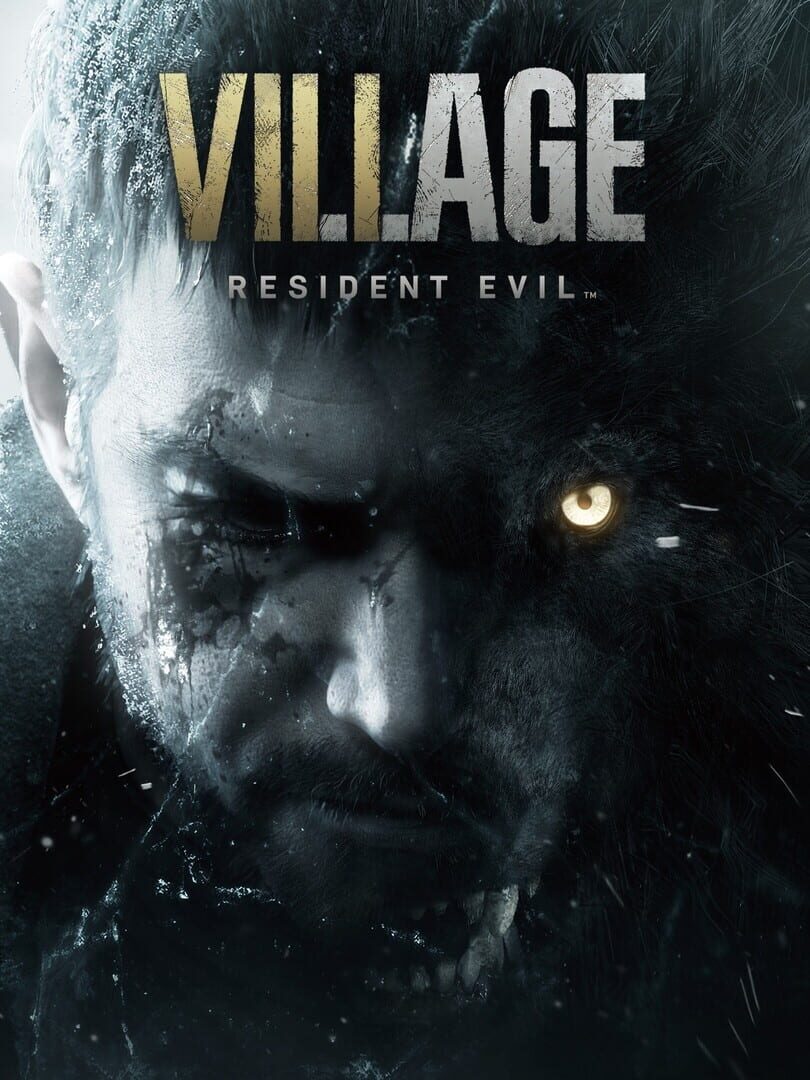
Getting Started in Resident Evil Village VR
Stepping into the shoes of Ethan Winters is terrifying enough on a standard screen, but experiencing Resident Evil Village in virtual reality takes survival horror to a whole new level of intensity. Whether playing on PlayStation VR2 or via PC VR modifications, physical immersion alters how you navigate environments, manage resources, and fight off terrifying threats. This beginner guide covers essential comfort configurations, interactive controls, and combat techniques to help you survive your nightmare journey.
Essential VR Comfort and Accessibility Settings
Before facing the terrifying inhabitants of Castle Dimitrescu, taking time to configure your VR settings will prevent motion sickness and ensure a smooth gameplay experience.
- Movement Style: Newcomers to VR should start with segment-based movement or lower smooth movement speeds. If continuous movement causes discomfort, enable motion vignettes.
- Turning Options: Snap turning (set to 30 or 45 degrees) significantly reduces nausea compared to smooth turning. If you prefer smooth rotation, keep the rotation speed at a manageable level.
- FOV Vignette (Tunneling): Enabling peripheral darkening during movement helps your brain process virtual motion without disorientation.
- Play Position: Resident Evil Village VR fully supports both seated and standing play modes. Seated mode includes crouch toggles and height calibration to keep controls comfortable.
Mastering Physical Controls and Equipment
Unlike traditional controller play, virtual reality requires natural physical movements to manage equipment and interact with the game world.
Interactive Body Holsters
Your inventory is mapped directly to your body. Reaching for gear becomes intuitive once you learn the physical locations:
- Handguns: Holstered at your left or right hip.
- Shotguns & Rifles: Stored over your dominant shoulder.
- Flashlight & Tactical Knife: Mounted on your chest harness.
- Health Medicine: Grabbed over your non-dominant shoulder.
Manual Weapon Reloading
Reloading under pressure is one of the most exciting challenges in VR. To reload your firearm manually:
- Press the magazine eject button on your weapon hand.
- Reach down to your ammo pouch with your off-hand to grab a magazine.
- Insert the new clip into the weapon base.
- Pull the slide or charge handle back to chamber a round before firing.
Unlike standard gameplay seen in traditional entries like Resident Evil 7: Biohazard, VR allows dynamic dual-wielding. You can hold a flashlight or combat knife in your off-hand while aiming your pistol forward.
Tactical Combat Tips for Beginners
Combat encounters with lycans and mutant boss monsters require speed and precision in virtual reality.
- Block Attack Damage: Raise both hands up in front of your face to block incoming enemy strikes. Blocking reduces incoming damage dramatically and creates space against melee foes.
- Natural Two-Handed Aiming: Hold firearms with both hands to stabilize your sight alignment and reduce crosshair drift during firing.
- Knife Combat and Throwing: Your knife is effective for destroying wooden crates without consuming ammunition. You can also throw the knife at enemies; if lost, it automatically respawns in your chest holster after a brief delay.
Inventory Management and Exploration
Resource management remains a core pillar of survival horror. Opening your jacket physically reveals your inventory grid, where you can arrange items, combine craftables, and inspect key items. Regularly inspect your physical map to identify unexplored red rooms and locate valuable treasures to sell to the Duke.
Frequently Asked Questions
Can you play Resident Evil Village VR standing up or seated?
Yes, the game offers complete customization for both seated and standing positions, featuring crouch toggles and height adjustments for comfort.
Is Resident Evil Village VR harder than playing on a regular display?
Combat requires physical manual reloading and aiming, which can feel challenging initially. However, precise free-aiming and quick motion blocking often give VR players a tactical advantage once mastered.
How does VR in Resident Evil Village compare to Resident Evil 4 VR?
Both Resident Evil Village and Resident Evil 4 feature realistic motion controls and body-based holsters, but Resident Evil Village places a stronger emphasis on realistic environmental detail, atmospheric darkness, and spatial audio immersion.
Final Thoughts
Adapting to virtual reality horror takes practice, but Resident Evil Village offers one of the most rewarding VR action-horror experiences available. Take regular breaks, adjust comfort settings to your needs, and practice manual reloading early to master the nightmare ahead.
