


Getting Started in No Man's Sky VR
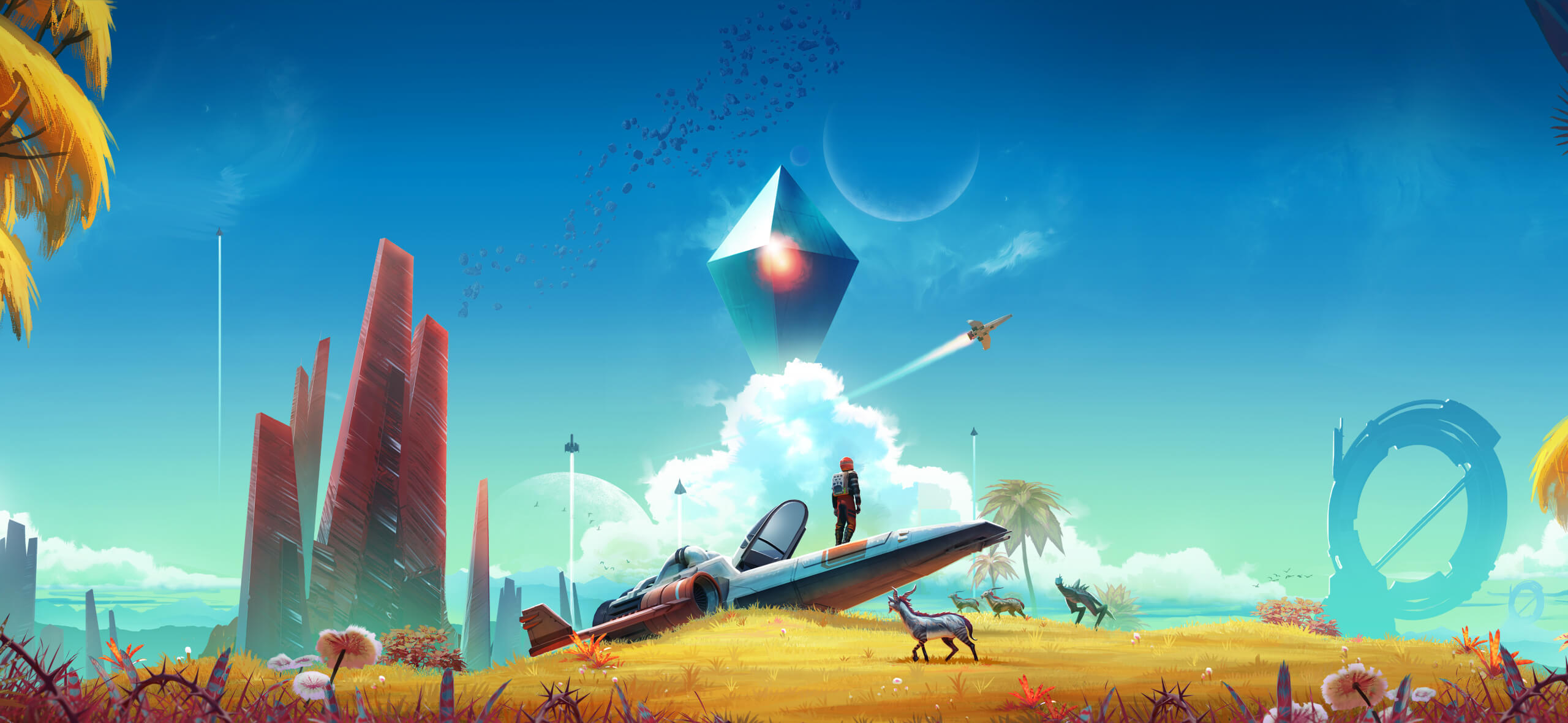
Stepping into No Man's Sky in virtual reality is one of the most breathtaking experiences in modern gaming. Standing on the surface of an alien planet, gazing up at giant ringed worlds, and physically grasping the flight controls of your starship transforms the space exploration simulator into an unforgettable journey. However, transitioning from traditional screen gaming to VR introduces unique mechanics, motion controls, and comfort adjustments that new players must master.
Whether you are exploring the galaxy on PlayStation VR2, PCVR headsets like the Valve Index, or Meta Quest via PC link, this complete beginner guide covers everything you need to know to survive and thrive in No Man's Sky VR.
Optimizing Comfort and Performance Settings
Virtual reality in No Man's Sky can be intense, particularly during atmospheric flight transitions and jetpack ascents. Fine-tuning your comfort options before diving into deep space will ensure a smooth, comfortable play session.
- Locomotion Mode: Choose between Teleportation and Smooth Movement. Players new to VR or susceptible to motion sickness should start with Teleportation, while experienced users often prefer Smooth Movement for higher immersion.
- Turning Options: Snap Turning turns your camera in fixed degree increments, significantly reducing VR nausea. Smooth Turning provides a seamless view rotation but requires stronger VR comfort tolerance.
- Vignette / Motion Blinders: Enabling motion vignettes darkens the edges of your peripheral vision while sprinting, jetpacking, or flying, which helps prevent disorientation.
- Control Re-centering: Frequently use your headset's physical recenter option while seated to keep your in-game cockpit and virtual hands aligned with your body position.
Understanding VR Controls and Physical Interactions
Unlike standard flat-screen gameplay where actions rely on button commands, No Man's Sky VR relies heavily on natural physical gestures.
Key motion interactions to learn early include:
- Equipping Your Multi-Tool: Reach over your right shoulder with your controller and press the grip button to unholster your Multi-Tool. Repeat the gesture to put it away.
- Accessing the Wrist Menu: Look directly at your left forearm or press your right hand against your left wrist to bring up the quick menu, inventory management, and navigation tabs.
- Scanning Environment: Touch the side of your helmet with your controller to activate Analysis Visor mode, letting you scan planetary flora, fauna, and resources easily.
- Interactive Cockpit: You physically grab handles and canopy levers inside your starship to enter or exit your vehicle.
Mastering Starship Flight in Virtual Reality
Piloting a starship in No Man's Sky VR offers an unrivaled flight experience, but controlling a virtual joystick takes practice.
Flight Control Basics
Upon sitting in your starship cockpit, you hold the virtual throttle lever with your left hand and the flight joystick with your right. Resting your arm on your physical leg or armrest helps stabilize your hand movements, leading to far smoother steering and precision banking in combat.
Flight Tips for Beginners
- Adjust Flight Sensitivity: If steering feels overly sensitive or erratic, lower the flight control sensitivity setting in the options menu.
- Target Lock-On: Utilize the automatic target lock-on feature during dogfights to keep hostile starships in sight without losing spatial awareness.
- Standard Controller Option: If virtual flight controls prove uncomfortable, PC and console versions allow you to seamlessly switch to a physical gamepad for ship flight while using motion controllers on foot.
Essential Survival Tips for New VR Explorers
Surviving your initial hours in No Man's Sky requires resource management and environmental adaptation.
- Gather Sodium and Carbon Immediately: Collect Carbon to refuel your mining beam and Sodium to keep your hazard protection shield powered on harsh environments.
- Dig Tunnels during Storms: When caught in extreme heat, radiation, or cold storms, use your Terrain Manipulator to dig a quick underground cave to protect your hazard suit.
- Follow the Main Questline: Stick to the initial tutorial quests to unlock core technology, hyperdrive capabilities, base building blueprints, and portable gear quickly.
- Take Regular VR Breaks: Exploration can lead to long gaming sessions. Take short breaks every 45 minutes to prevent eye strain and physical fatigue.
Frequently Asked Questions (FAQ)
Can you play No Man's Sky VR with a standard controller?
Yes. Players on PC and PlayStation can play No Man's Sky VR using traditional DualSense or Xbox controllers instead of motion controllers if preferred.
Is No Man's Sky VR cross-play with flat-screen players?
Yes. No Man's Sky features full cross-platform and cross-play compatibility. Virtual reality players can join multiplayer sessions with friends playing on traditional screens across PC and consoles.
Does progress carry over between VR and desktop modes?
Yes. Save files are shared seamlessly between virtual reality and standard desktop modes, allowing you to play the same save file regardless of how you choose to play.
Final Thoughts
No Man's Sky VR delivers one of the most expansive and immersive virtual reality adventures available today. By configuring your comfort settings, learning intuitive physical interactions, and taking time to master starship flight, you will be fully prepared to explore an endless procedurally generated galaxy. Put on your headset, power up your multi-tool, and embark on your journey through the stars!
