


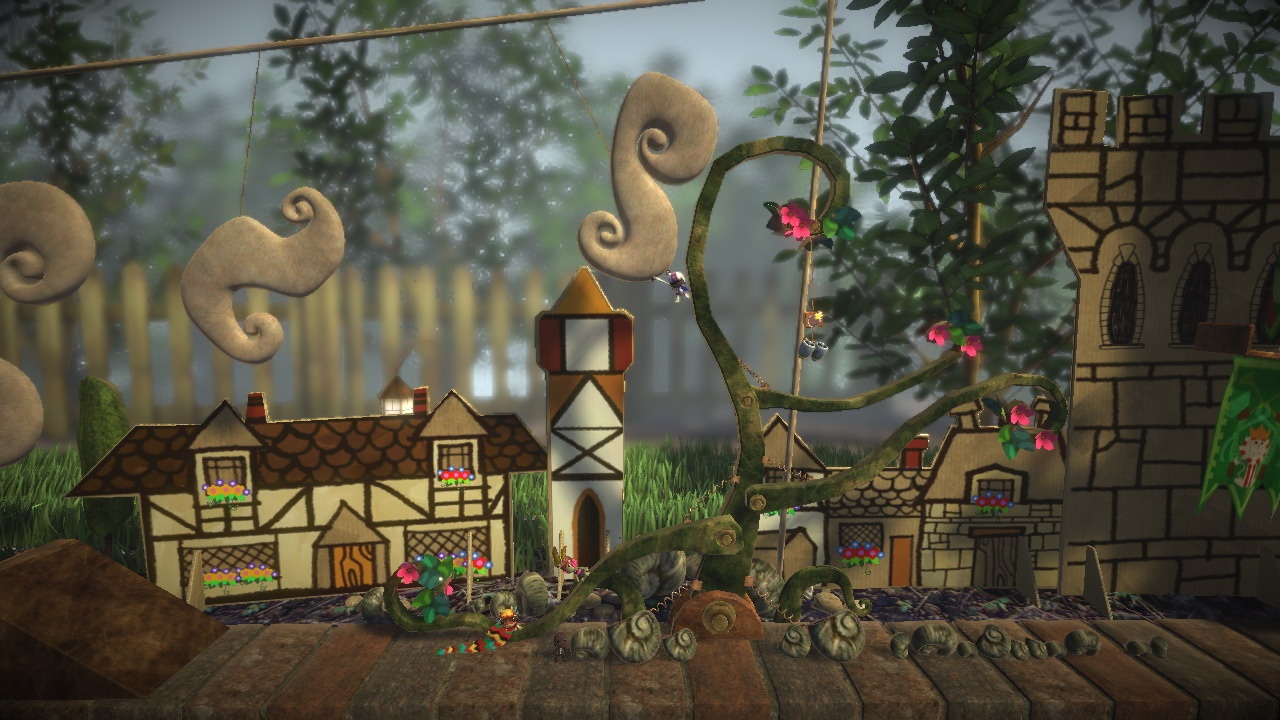
Welcome to Craftworld: An Introduction to LittleBigPlanet
First released on PlayStation, LittleBigPlanet revolutionized the puzzle-platformer genre by empowering players to play, create, and share their own levels. Guided by the adorable Sackboy, players navigate vibrant physical worlds crafted from felt, cardboard, stickers, and everyday household objects. Whether you are jumping into the original LittleBigPlanet, LittleBigPlanet 2, LittleBigPlanet 3, or exploring the franchise on modern consoles, getting started can feel delightfully overwhelming due to the sheer amount of creative freedom available.
This beginner guide covers everything you need to know to hit the ground running in Craftworld, from fundamental platforming controls to navigating the iconic Popit menu.
Understanding Sackboy and Core Controls
Before diving into complex creations, mastering Sackboy's movements is essential. Unlike traditional side-scrolling platformers like Super Mario Bros., LittleBigPlanet uses a unique physics-based engine with three distinct depth layers (foreground, middleground, and background).
- Movement: Use the left analog stick to walk left, right, and shift between depth layers by pushing forward or backward.
- Jumping: Press the jump button to leap. The length of time you hold the button directly affects jump height and distance due to momentum.
- Grabbing: Hold R1 (or the designated grab button) to grab sponges, handles, jetpacks, or interactable objects in the environment.
- Expressiveness: Use the directional pad to change Sackboy's emotions (Happy, Sad, Scared, Angry), and move the right analog stick to control Sackboy's arms while holding L2 or R2.
Navigating the Pod and the Popit Menu
Your home base in LittleBigPlanet is the Pod, a customizable spaceship orbiting Craftworld where you select levels, adjust settings, and access the main menu.
The Popit Menu
The Popit is Sackboy's portable menu, accessed by pressing Square. It serves as your primary tool in both Story Mode and Create Mode. Through the Popit, you can:
- Customise your Sackboy with outfits, materials, and accessories unlocked during gameplay.
- Apply stickers and decorations to the environment or Sackboy's skin.
- Access tools and building blocks in Create Mode.
- Retry a level or return to the Pod if you get stuck.
Story Mode vs. Create Mode
Every mainline entry in the LittleBigPlanet series features two distinct pillars of gameplay:
Story Mode
Story Mode introduces you to Craftworld's whimsical characters and premade levels. Playing through Story Mode is highly recommended for beginners because it acts as an extended tutorial, teaching you how different mechanics work while rewarding you with hundreds of stickers, materials, and costume pieces for your personal collection.
Create Mode
Create Mode gives you total freedom to design your own levels, mini-games, and puzzles. While it features a learning curve, completing the built-in tutorials hosted by the narrator will unlock tools and teach you logic switches, mechanical joints, and lighting techniques.
Essential Tips for LittleBigPlanet Beginners
To help you get the most out of your adventure, keep these starter tips in mind:
- Collect All Prize Bubbles: Look behind hidden corners, floating platforms, and secret pathways in Story Mode levels to collect prize bubbles containing customisation items.
- Master the Physics: Momentum plays a huge role in LittleBigPlanet. Practice swinging from ropes and sponges to gain speed before launching across wide gaps.
- Play Co-op Mode: Many levels contain exclusive x2, x3, or x4 co-op areas that require multiple players to solve puzzles and unlock unique prize bubbles.
- Utilize the Popit Safely: Remember that opening the Popit menu during single-player levels does not always pause the world around you, so make sure Sackboy is on safe ground before customizing!
Frequently Asked Questions
Do I need to play the original LittleBigPlanet before playing sequels?
No, each entry, including LittleBigPlanet 2, LittleBigPlanet 3, and spin-offs like Sackboy: A Big Adventure, features standalone story campaigns and tutorials, making them easy to pick up individually.
How do I unlock more costumes for Sackboy?
Costumes can be unlocked by gathering prize bubbles throughout Story Mode levels, completing specific level challenges, or purchasing downloadable costume packs.
Can I play LittleBigPlanet levels with friends?
Yes, LittleBigPlanet supports both local couch co-op and online multiplayer, allowing up to four players to explore or build together.
Final Thoughts
Whether you want to jump through creative campaign levels or design your own virtual playground, LittleBigPlanet offers an endlessly creative experience for players of all ages. Take your time exploring Story Mode, collect every item you can, and don't hesitate to experiment with the powerful tools inside Create Mode!
